 Written by
 It’s easy to drown leaders in AI metrics: latency, token counts, accuracy scores. These are important for technical teams, but they don’t tell executives whether AI is being governed well. You need a small set of governance indicators that fit on one page and map cleanly to DASUD.
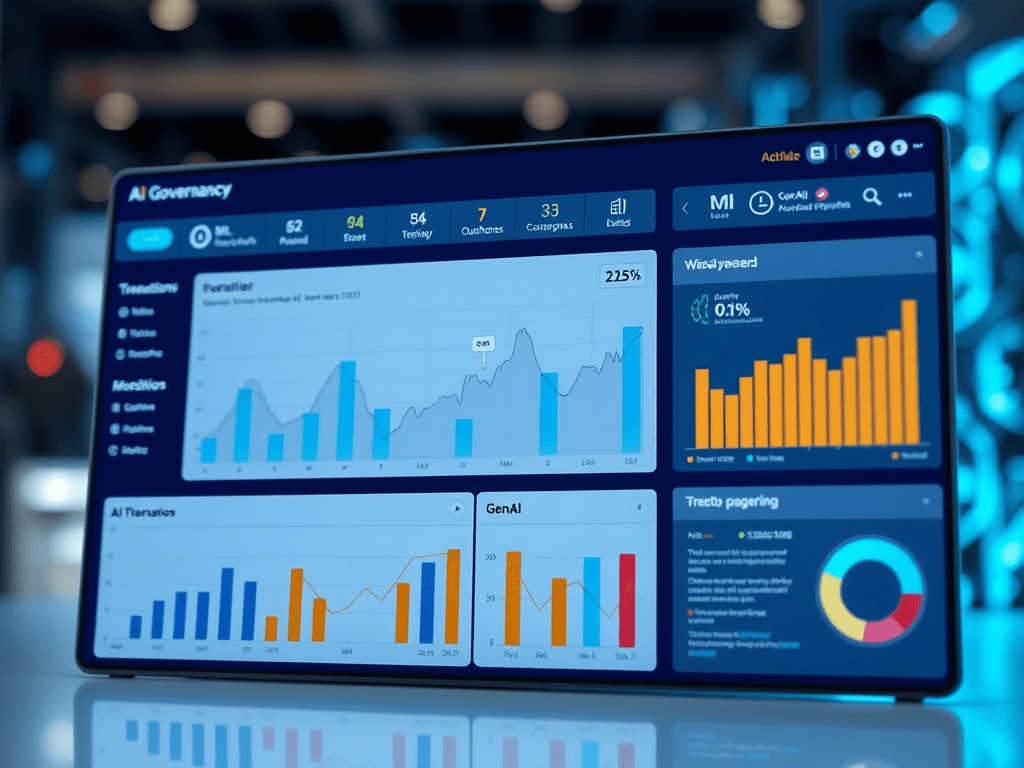
Think of this as your “advanced AI governance cockpit.”
Principles for an executive‑level dashboard
Keep four principles in mind:
- Brevity One page. No more.
- Clarity No unexplained acronyms or technical graphs.
- Actionability Each metric should prompt a question or decision if it moves.
- Lifecycle coverage Include at least one metric per DASUD stage.
Design: visibility and risk profile
For Design, show:
- Number of active AI use cases, by type E.g., ML, GenAI, RAG, agents.
- Risk distribution How many are low/medium/high risk, per your classification.
- Design coverage Percentage of AI use cases with completed Design artefacts (use‑case canvas, agent charter, etc.).
This gives leaders a quick sense of “what we’re doing and how risky it is.”
Acquire: controlled inputs
For Acquire, include:
- Approved input coverage Percentage of AI systems using only approved data sources, RAG repositories, and tools.
- Third‑party AI assessments Number of vendor AI tools assessed vs in use; any outstanding high‑risk exceptions.
These indicators answer: “Are we in control of what feeds our AI?”
Store: artefact governance
For Store, focus on:
- Retention policy coverage Percentage of AI systems with defined retention policies for logs, embeddings, and memories.
- Segmentation Number of known cross‑tenant or cross‑domain exceptions (ideally zero) where storage or memory segmentation isn’t yet in place.
This reassures leaders that you’re not accidentally creating uncontrolled data sprawl in AI systems.
Use: oversight and incidents
Use is where executives are most concerned.
Show:
- Oversight adherence For high‑risk systems, percentage of actions where required HITL approvals actually occurred.
- AI incident count and trends Number of AI‑related incidents in the last period (e.g., quarter), by severity, with a short annotation of major ones.
- Usage footprint High‑level utilisation (e.g., number of users or transactions) for key AI systems, so incidents can be interpreted in context.
This tells leaders whether AI is being used at scale and with the promised oversight.
Delete: lifecycle and resilience
For Delete, include:
- Retirement and kill‑switch readiness Percentage of AI systems with documented decommissioning plans and tested kill switches.
- Outdated system reduction Number of legacy AI systems retired or remediated in the last period.
These metrics give confidence that you’re not letting old, unmanaged AI quietly run in the background.
Bring it together visually
On a single slide or page:
- Create five small sections (Design, Acquire, Store, Use, Delete).
- Put 1–2 metrics and a simple traffic‑light indicator (green/amber/red) per section.
- Add a short narrative summary: “What’s going well,” “Where we’re concerned,” “What we’re doing next.”
You’re not aiming for perfection; you’re aiming for a shared view.
Make it concrete
To build version 1.0:
- Select 1–2 metrics per stage that you can realistically measure now.
- Fill in the dashboard for your current state, even if it’s imperfect.
- Share it with your immediate leadership and refine before taking it to executives or boards.
Over time, this dashboard will help you track progress and support conversations about where to invest next in advanced AI governance.
If you’d like assistance or advice with your Data Governance implementation, or any other topic (Privacy, Cybersecurity, Ethics, AI and Product Management) please feel free to drop me an email here and I will endeavour to get back to you as soon as possible. Alternatively, you can reach out to me on LinkedIn and I will get back to you within the same day!
 Nigel D'Souza