 Written by
 RAG systems are only as good as the content they retrieve. When that content changes—and it always does—your assistant must change with it. Otherwise, you risk answering from obsolete policies, retired products, or even content that should never have been indexed in the first place.
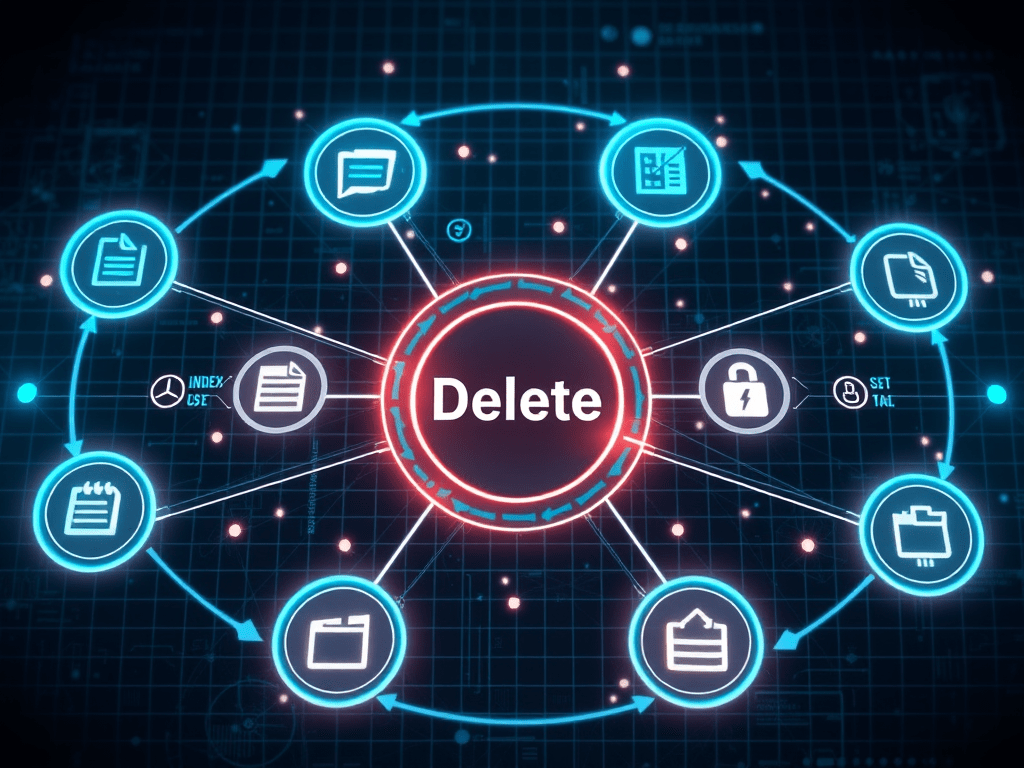
The “Delete” stage in DASUD for RAG is about updating and forgetting: making sure your knowledge layer reflects what should be true now, not what was true months ago.
Understand the lifecycle of RAG content
Every document in your RAG system has a lifecycle:
- Created A policy, guide, or article is written and stored.
- Indexed It’s chunked, embedded, and added to your vector store.
- Used The assistant retrieves and cites it to answer queries.
- Updated or replaced Content is changed, versioned, or superseded.
- Retired or removed Content is no longer valid or shouldn’t be accessible.
Delete is about handling the last two stages cleanly.
Connect content changes to re‑indexing
The first practical step: ensure changes in your content systems propagate to your RAG stack.
Design processes so that when:
- A document is updated You identify the new version, re‑chunk it, re‑embed it, and update the associated entries in your vector index.
- A document is retired You remove or mark it as inactive in both the document store and the vector store, so it can’t be retrieved.
This can be done via:
- Event‑driven updates Trigger re‑indexing when content management systems register changes.
- Scheduled syncs Regular jobs that check for differences and reconcile.
Either way, the goal is that your assistant never answers from content that your organisation considers obsolete or invalid.
Handle deletions and “right to be forgotten”
Some deletions are driven by governance or data subject requests:
- Personal data removal If documents or content contain personal information that must be removed, you need to delete or redact it in both the source and the index.
- Sensitive content identified post‑hoc If you discover content that should never have been indexed (e.g., a confidential investigation report), you must remove it completely.
To support this:
- Track document–embedding relationships Store IDs or metadata that link each vector to its source. This lets you reliably remove all vectors derived from a document or section.
- Build deletion tools Provide admins with a way to remove documents/topics from both the document store and vector index, with logs for audit.
A RAG system without a deletion path becomes a governance liability over time.
Manage knowledge “freeze” and rollback
Sometimes, you might want to:
- Freeze knowledge at a point in time For example, during a regulatory change, you may want the assistant to stop using policies that are about to change until new ones are fully approved.
- Roll back to a prior state If an update introduces incorrect or risky content, you may need to temporarily revert to an earlier content snapshot.
Support this by:
- Versioning indexes Keep track of index versions and which content was included at each point.
- Being able to activate/deactivate index segments Instead of a monolithic vector store, structure it so you can enable or disable segments corresponding to content sets or time windows.
This gives you control when the knowledge landscape shifts quickly.
Retention and archival for RAG
Finally, decide:
- How long to retain content in RAG Some documents may be kept indefinitely; others should be removed after a defined period.
- What to archive You may archive snapshots of indexes or document sets for audit or investigation purposes, even after they’re removed from live use.
- How to document changes Maintain a simple change log: when content was added, updated, or removed, and why.
These choices should align with your broader data retention and records management policies.
Make it concrete
For one RAG assistant:
- Identify three documents that recently changed or should be retired.
- Trace how those changes flowed (or didn’t) into your RAG system.
- Design or refine your re‑indexing and deletion process.
- Document how you handle personal data removal and sensitive content incidents.
With a robust Delete stage, your RAG assistant becomes a living reflection of your current knowledge—not a fossilised snapshot from six months ago.
If you’d like assistance or advice with your Data Governance implementation, or any other topic (Privacy, Cybersecurity, Ethics, AI and Product Management) please feel free to drop me an email here and I will endeavour to get back to you as soon as possible. Alternatively, you can reach out to me on LinkedIn and I will get back to you within the same day!
 Nigel D'Souza