 Written by
 When people first see multi‑agent demos, they’re often impressed and uneasy at the same time. The system appears to think, delegate, and act. That’s powerful—but also risky if you haven’t clearly defined what these agents are allowed to do.
Design is where you move from magic to guardrails.
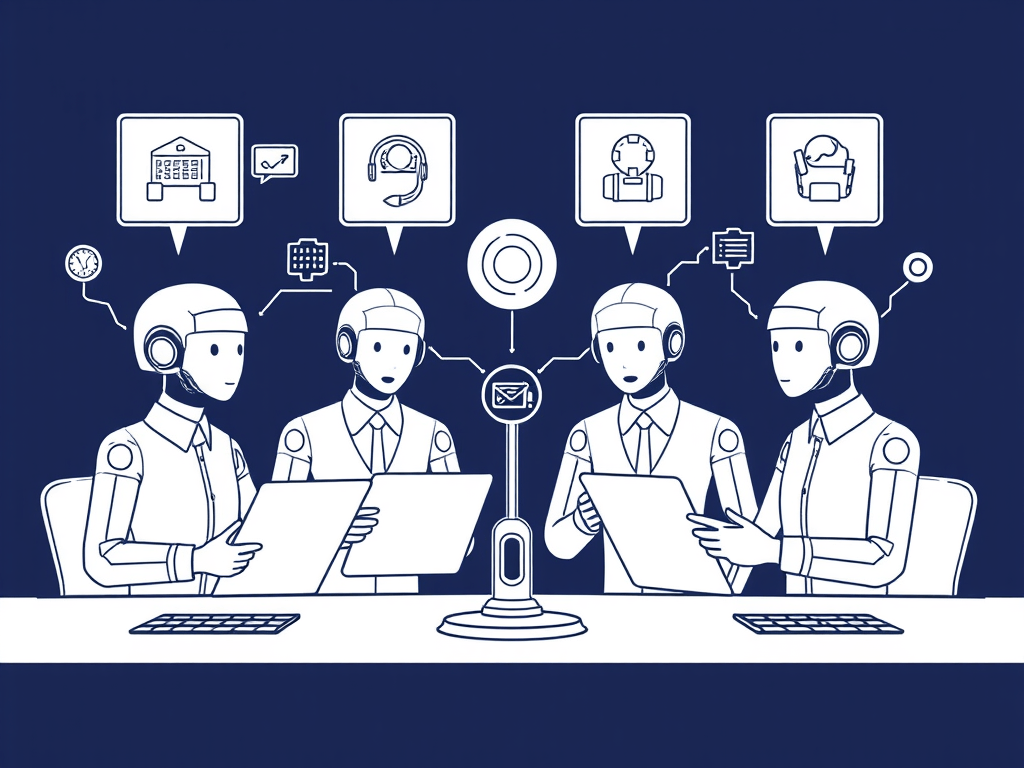
Multi‑agent systems in simple terms
A multi‑agent system often looks like this:
- A “planner” agent decides what steps are needed.
- A “researcher” agent gathers information.
- A “doer” agent calls tools or APIs to act.
- Sometimes a “critic” agent reviews outputs.
All of this is orchestrated to meet a goal (e.g., “triage this ticket and propose a solution”).
Each agent has a role. The Design challenge is to define those roles—and their limits—clearly.
Write an agent charter
Start by writing an “agent charter” in plain language. For a multi‑agent IT assistant, for example, your charter might include:
- Mission Assist with internal IT support by classifying tickets, suggesting responses, and proposing next actions.
- In‑scope tasks Categorising tickets, suggesting knowledge base articles, drafting responses, updating non‑critical ticket fields.
- Out‑of‑scope tasks Resetting passwords, changing access rights, modifying security settings, touching HR or finance systems.
- Escalation rules Any ticket involving security, access rights, or critical systems must be escalated to a human analyst.
- Success criteria Faster resolution for low‑risk tickets, reduced workload for support staff, no increase in incidents or mis‑categorisation.
This charter becomes the Design artefact that both technical and non‑technical stakeholders can understand.
Turn the charter into concrete constraints
Next, translate charter items into configuration:
- Prompts and instructions Embed the mission, in‑scope/out‑of‑scope tasks, and escalation rules into system prompts and agent instructions.
- Tool access Only expose tools/APIs that match in‑scope tasks (e.g., ticket classification, KB search). Do not expose tools that perform out‑of‑scope actions.
- Guardrails in code Implement hard checks preventing agents from calling tools outside their remit, even if prompts are compromised.
This is where Design meets engineering.
Design for “who asks for help, and when”
Multi‑agent systems can easily get stuck in loops or make overconfident decisions. In your Design:
- Define explicit escalation triggers Ambiguous intent, conflicting information, high‑priority tickets, or certain keywords (e.g., “breach”, “fraud”, “self‑harm”) should force escalation.
- Assign an “escalation” role A specific agent or wrapper can be responsible for deciding when to hand off to a human.
- Limit depth and duration Set limits on how many steps an agent can take before asking for human input. This avoids runaway loops.
You’re designing humility into the system.
Design across DASUD, not just Design
While we’re focusing on Design, remember how it interacts with other stages:
- Acquire The charter informs which tools, data, and knowledge sources agents can access.
- Store Defines what state/memory agents are allowed to keep (e.g., session‑only vs long‑term).
- Use Shapes oversight: which actions are autonomous, which require approval.
- Delete Guides how you retire or reset agents when missions, policies, or risks change.
Design decisions echo across the lifecycle; capturing them early ensures consistency.
Making it concrete
Choose one planned or existing multi‑agent system. For that system:
- Draft a one‑page agent charter.
- Identify in‑scope/out‑of‑scope tasks and escalation rules.
- Map those into prompts, tool access, and guardrails.
Share the charter with technical teams, risk/compliance, and business owners. If everyone can read it and say “yes, that’s what we want this system to do—and not do,” you’ve achieved what most multi‑agent experiments lack: deliberate Design.
If you’d like assistance or advice with your Data Governance implementation, or any other topic (Privacy, Cybersecurity, Ethics, AI and Product Management) please feel free to drop me an email here and I will endeavour to get back to you as soon as possible. Alternatively, you can reach out to me on LinkedIn and I will get back to you within the same day!
 Nigel D'Souza